Apps
China Travel Apps: Alipay, WeChat, AMap, DiDi and More
A practical China travel apps guide for tourists setting up Alipay, WeChat, AMap, DiDi, trains, translation, mobile data, and account checks before arrival.
Quick Answer
For a first trip to mainland China, start with a short app stack instead of downloading everything: Alipay for payments and mini-programs, WeChat for messaging and backup payments, AMap for local navigation, DiDi for ride-hailing, a translation app, and a working mobile-data plan before you land. Add 12306 or Trip.com if you will take high-speed trains. Add Xiaohongshu, Dianping, or Meituan only after the basics work. The most important step is not installing apps; it is verifying accounts, cards, SMS access, Chinese addresses, and connectivity before departure.
Best Option by Scenario
| Scenario | Best option | Notes |
|---|---|---|
| First-time tourist, 3 to 10 days | Install Alipay, WeChat, AMap, DiDi, and a translation app. | This covers payments, messaging, local maps, taxis, menus, and basic arrival logistics. |
| Intercity train traveler | Add Railway 12306 or Trip.com. | Use the same passport name and passport number everywhere you book. |
| Food, cafe, and local-discovery traveler | Add Xiaohongshu, Dianping, or Meituan after the core stack works. | These are useful for ideas and reviews, but they can be harder to use without Chinese search terms. |
| Android traveler relying on Google Play | Install key apps before arrival and keep a fallback browser or app-store plan. | Some app availability, login, and update flows can be easier to handle before you are on a mainland network. |
| Traveler who needs Google, Gmail, WhatsApp, YouTube, Reddit, or ChatGPT | Check how your essential apps will work before departure and keep a backup connectivity plan. | Do not wait until you are already in China to solve app access, mobile data, and account verification. |
Detailed Guide
The easiest way to prepare your phone for China is to think in layers. First, make sure you can connect to the internet. Then make sure you can pay, find places, get a ride, translate what is in front of you, and recover your accounts if a verification code is required.
After that, add the fun apps. Xiaohongshu, Dianping, Meituan, Douyin, Taobao, and Bilibili can all be useful or entertaining, but they should not be the reason you are stuck at the airport, unable to pay for a taxi, or trying to copy a hotel address from a confirmation email with no data.






The core stack is easier to scan when the real app icons are visible. Install and verify these before arrival.
The Shortest Useful China Travel App List
For most short tourist trips, install these before you fly:
| App | Use it for | Why it matters |
|---|---|---|
| Alipay | Payments, transport, ride-hailing mini-programs, translation, bookings, and tourist services. | It is often the most visitor-friendly starting point for mobile payments and travel mini-programs. |
| Messaging, hotel or guide communication, WeChat Pay, QR codes, and mini-programs. | Many people and businesses in China expect to communicate through WeChat. | |
| AMap | Walking, driving, public transit, location search, and local place data. | Local map data is usually more useful than Google Maps in mainland China. |
| DiDi | Ride-hailing in mainland China and Hong Kong. | It reduces the need to explain destinations verbally to taxi drivers. |
| Translation app | Menus, signs, app screens, driver messages, and hotel conversations. | Camera translation and offline packs save time when English is limited. |
| Backup connectivity plan | Mobile data and access to the apps you rely on. | Without reliable data, every other app becomes fragile. |
If you will move between cities by high-speed rail, add Railway 12306 or Trip.com. If you want local restaurants, cafes, shopping routes, and photo spots, add Xiaohongshu, Dianping, or Meituan once the core stack works.
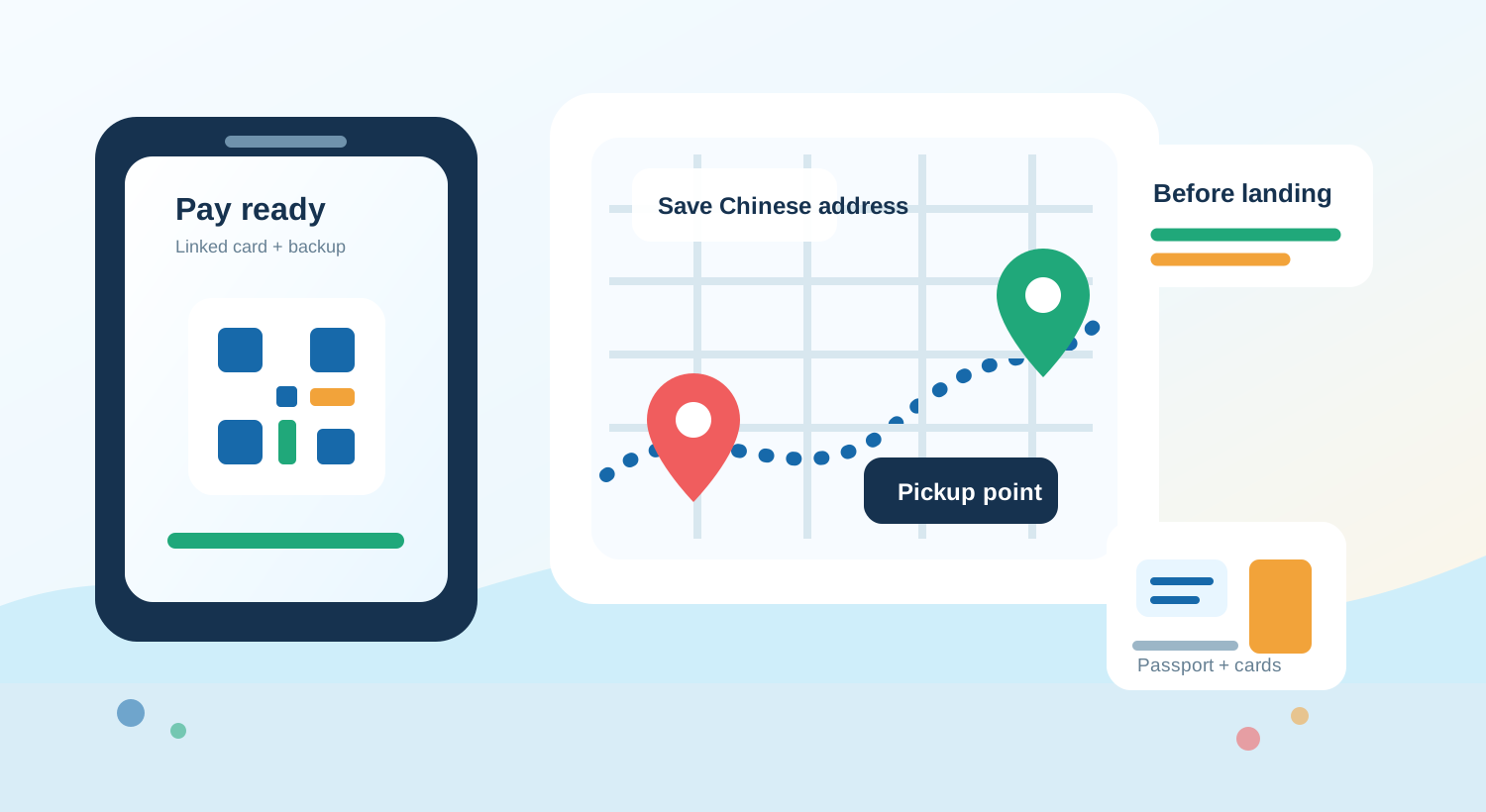
The most useful apps are the ones that remove arrival friction: pay, find the place, show the address, and get moving.
Payments: Start With Alipay, Add WeChat
Set up Alipay before departure and link an international card. The app is useful not only for QR payments but also for transport, ride-hailing, translation, attraction tickets, and mini-programs. If your card works, Alipay can become the app you open most often during a short trip.
WeChat is still worth installing even if Alipay is your main payment app. Hotels, tour guides, drivers, restaurants, local contacts, and small businesses may use WeChat for communication. WeChat Pay can also work as a backup payment path if your account and card are accepted; use the tourist WeChat Pay setup answer if you need the short version.
If you are deciding which wallet to test first, read the Alipay versus WeChat Pay decision rule. U.S. travelers who saw the PayPal-WeChat Pay news should also check the PayPal with WeChat Pay update before assuming it replaces card, Alipay, or cash backups.
Do not assume card linking means every payment will succeed. Your issuing bank can still block a transaction, a small merchant may not support the exact payment route your foreign card uses, or an app may ask for extra verification at an inconvenient time. Bring a second card and some RMB cash, and know how to contact your bank from abroad.
Maps: AMap First, Apple Maps as an iPhone Fallback
Do not make Google Maps your only map for mainland China. It may be useful for rough trip planning before departure, but local navigation, transit routing, business listings, and Chinese place names are better handled by China-friendly map tools.
AMap, also called Gaode Maps or 高德地图, is the best first install for most travelers. Search can still be easier with Chinese names, so save addresses from hotel confirmations, Trip.com bookings, restaurant listings, or official attraction pages. If a place has several gates or branches, copy the exact Chinese location, not just the English brand name.
On iPhone, Apple Maps can be a useful backup in China, especially if you prefer an English interface. Still keep AMap installed because Chinese place data, building entrances, station exits, ride-hailing pickup points, and transit details can be more complete in local apps.
Ride-Hailing: DiDi App or Mini-Program
Install DiDi if you expect to use taxis or private cars. The standalone DiDi China app is designed for ride-hailing and currently advertises an English interface, global mobile-number login, bilingual driver messaging, and multiple payment methods.
You can also access ride-hailing through Alipay or WeChat mini-programs. This can be simpler if your payment setup already works there, but the interface and account requirements can vary. Test it before your first airport, railway-station, or late-night ride.
The practical trick is to keep destinations in Chinese. Save your hotel name, hotel address, airport terminal, railway station, and first few attractions as Chinese text. If the driver calls or messages, use in-app translation or send a simple note such as “I am waiting at the pickup point” translated into Chinese.
Trains and Bookings: 12306 vs Trip.com
Railway 12306 is the official China Railway booking platform. It can be the cleanest source for official schedules and tickets, but foreign travelers may find account setup, passport verification, language, and payment flows less forgiving.
Trip.com is often easier for English-speaking visitors because it accepts passport details in an English booking flow and provides customer-support paths many tourists already understand. The trade-off is that third-party booking can add service fees or extra rules, so read cancellation, change, and ticketing terms before you pay.
Whichever route you choose, keep your passport details consistent. Use your full name as it appears on the passport, keep the same passport number across bookings, and bring the physical passport to the station. In China, your passport is part of the train-ticket workflow, not just an ID you keep at the hotel.
Translation: Prepare More Than One Path
Install a translation app with camera translation and offline language packs. Google Translate, Apple Translate, Microsoft Translator, Pleco, and Baidu Translate can all help in different situations, but access and performance depend on your phone, network, and language pair.
Camera translation is useful for menus, ticket machines, washing-machine panels, app screens, and signs. Text translation is better for copying a Chinese address, sending a short driver message, or checking whether a dish contains an ingredient you avoid.
Keep a few prepared phrases as screenshots:
| Situation | Useful phrase to prepare |
|---|---|
| Taxi or DiDi pickup | ”I am at the pickup point. I do not speak Chinese. Please message me in the app.” |
| Hotel check-in | ”Here is my passport and booking confirmation.” |
| Restaurant | ”Can I see the menu?” and “Does this contain peanuts, shellfish, or meat?” |
| Payment issue | ”Can I pay with Alipay, WeChat Pay, card, or cash?” |
Local Discovery: Xiaohongshu, Dianping, and Meituan
Use local discovery apps after your survival stack is working. They are excellent for finding what looks current, popular, photogenic, or genuinely local, but they can be noisy and Chinese-heavy.
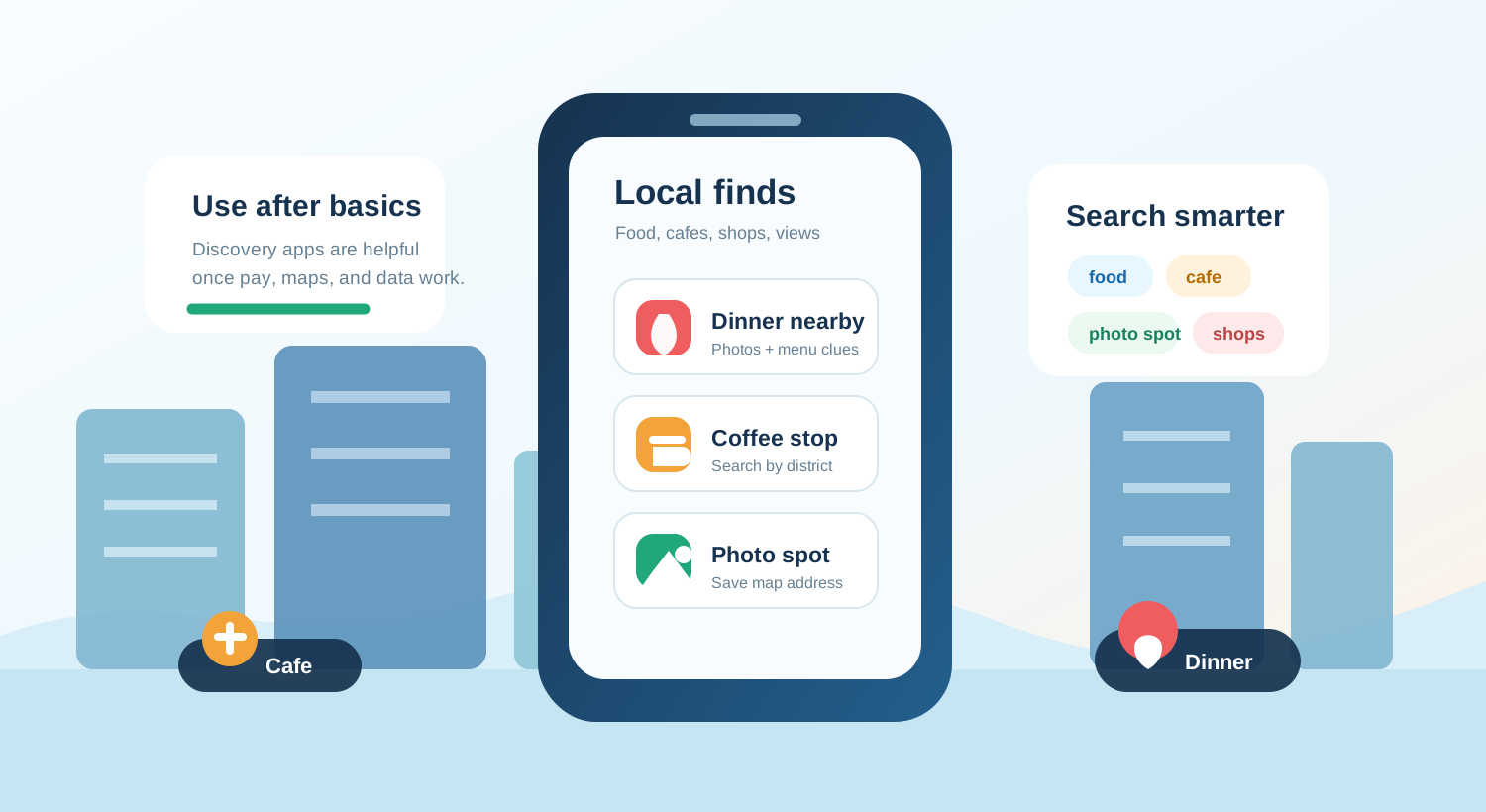
Treat local discovery apps as inspiration layers, not first-day survival tools.
Xiaohongshu, often branded as RedNote in English, is useful for restaurants, cafes, shopping, beauty, street photography, boutique hotels, and neighborhood ideas. Search with a city name plus terms such as 美食 for food, 咖啡 for coffee, 拍照 for photo spots, 攻略 for guides, or 探店 for shop and restaurant visits.
Dianping, or 大众点评, is closer to a local restaurant and services review app. It can help you compare ratings, photos, queues, menus, and nearby options. Meituan is broader and can be useful for food delivery, restaurant deals, local services, power banks, and sometimes tickets, but short-stay tourists may not need the full app if mini-programs are enough.
Treat these as discovery tools, not mission-critical tools. If a restaurant matters, save the Chinese name, address, opening hours, and nearby landmark in your map app before you go.
What To Set Up Before You Fly
The pre-trip setup matters more than the app list itself. Before departure, log in to Alipay and WeChat, link payment cards, verify any passport or identity prompts, and make a small test action where possible. You may not be able to complete a real China payment until you arrive, but you can still reduce the chance of being surprised at the worst moment.
Prepare mobile data before landing. If you need Google, Gmail, WhatsApp, YouTube, Reddit, Instagram, or ChatGPT, check how your essential apps will work before departure and keep a backup connectivity plan. Install and activate what you can before departure, and keep your home SIM available if banks or email providers send SMS verification codes.
Finally, screenshot the boring things: hotel address in Chinese, booking confirmation, passport info page, insurance details, emergency contacts, card issuer support numbers, and the Chinese names of airports and railway stations you will use. The least glamorous screenshots are often the ones that rescue a travel day.
What You Probably Do Not Need
You probably do not need every Chinese app you see in a travel video. Douyin can be fun, Bilibili can be interesting, Taobao can be useful for longer stays, and separate metro apps can help in specific cities, but they are not first-day essentials for most tourists.
Food delivery is also optional for a short trip. Meituan and Ele.me can be powerful once you know your hotel address, phone-number situation, and payment setup, but many travelers are better served by walking to nearby restaurants, using hotel staff for help, or browsing Dianping and then eating in person.
Keep the stack small until it works. A phone with five tested apps beats a phone with twenty unverified apps and no reliable payment, map, or data plan.
Step-by-Step Checklist
- 1Install the core apps before departure.Start with Alipay, WeChat, AMap, DiDi, and your preferred translation app.
- 2Link and test at least one international card in Alipay.Keep a second card and some RMB cash as backup in case your bank blocks a transaction.
- 3Set up WeChat and check whether WeChat Pay is available for your account.Even if you mainly pay with Alipay, WeChat is useful for hotels, guides, drivers, and some merchants.
- 4Save important addresses in Chinese.Keep your hotel, airport, railway station, and first few attractions as Chinese text and screenshots.
- 5Download offline translation packs.Use them for menus, signs, app screens, and driver or hotel messages when signal is weak.
- 6Prepare connectivity before landing.Check how your essential apps will work before departure and keep a backup connectivity plan.
- 7Test SMS and account recovery.Make sure your home number can receive bank, email, airline, and app verification codes abroad.
Common Mistakes
- Waiting until landing to download and verify apps. Install, log in, link cards, and test SMS while you still have stable home Wi-Fi.
- Assuming Google Maps is enough for China. Use AMap, Apple Maps, or another China-friendly map for local navigation and transit.
- Using only English place names in ride-hailing and map apps. Copy the Chinese name and address from your hotel, booking app, or map result.
- Depending on one payment app or one bank card. Set up both Alipay and WeChat if possible, keep a backup card, and carry some RMB cash.
- Installing too many local apps before the basics work. Get the payment, maps, ride-hailing, translation, and data stack working first.
FAQ
What apps should I download before going to China?
Most tourists should start with Alipay, WeChat, AMap, DiDi, a translation app, and a working mobile-data setup. Add 12306 or Trip.com for trains and Xiaohongshu, Dianping, or Meituan for local discovery.
What are the must-have China travel apps for tourists?
The must-have stack is usually Alipay, WeChat, AMap, DiDi, a translation app, and a working mobile-data setup. Train travelers should add 12306 or Trip.com.
Do I need both Alipay and WeChat?
You can often get through a short trip with Alipay as your main payment app, but WeChat is still useful for messaging, hotel or guide communication, mini-programs, and backup payments where available.
Can tourists use DiDi without a Chinese phone number?
DiDi's international app listing says it supports global mobile-number login, and many travelers also use DiDi through Alipay or WeChat mini-programs. Still test login and payment before you need a ride.
Can I use Google Maps in China?
Do not rely on Google Maps as your only China map. Use AMap or Apple Maps for local navigation, public transit, and Chinese place data, then keep Chinese addresses saved for taxis and hotels.
Is Xiaohongshu useful if I do not read Chinese?
It can be useful for finding restaurants, cafes, photo spots, and shopping ideas, but it is not a survival app. Use translation and Chinese search terms, or treat it as inspiration rather than your main planning tool.
Sources and Update Notes
- Payment service guide for overseas visitors to China Checked for official guidance on Alipay, WeChat Pay, bank cards, cash, and mobile-payment limits for overseas visitors.
- Tencent: Weixin Pay for overseas users visiting China Checked for Weixin Pay international-card support, passport setup notes, and merchant-network context.
- AMap Global on Google Play Checked for current AMap Global positioning, English-map language, and app-store availability.
- DiDi China: Ride Hailing on the App Store Checked for DiDi's English interface, global mobile-number login, bilingual messaging, and payment claims.
- China Railway 12306 English website Checked as the official English train-booking destination for China Railway.
- Trip.com China train ticket FAQ Checked for passport-name requirements and English train-booking workflow notes.
- Reddit r/travelchina discussion on app overload Used for traveler pain points around app overload, mini-programs, verification, and practical setup friction.