Planning
China Travel Preparation Checklist for First-Time Visitors
A China travel preparation checklist for first-time foreign visitors preparing mobile data, SMS access, Alipay, WeChat, Chinese addresses, DiDi, 12306 trains, passport workflows, power banks, and arrival-day backups.
Quick Answer
Siye China's first-time travel preparation hub starts with the things that can break your first day in China: mobile data, SMS access, Alipay, WeChat, maps, DiDi, Chinese addresses, train bookings, passport-dependent workflows, payment backups, and power-bank rules. Do not wait until landing to install apps, link cards, solve SMS, or learn whether 12306 accepts your passport details. The practical order is: confirm phone and data, keep your home number reachable for verification, set up Alipay and WeChat, save hotel and station addresses in Chinese, prepare DiDi and maps, check trains and 12306 or Trip.com, screenshot documents, and carry a backup card plus RMB cash.
Best Option by Scenario
| Scenario | Best option | Notes |
|---|---|---|
| First-time tourist, short city trip | Prepare data, Alipay, WeChat, AMap, DiDi, translation, hotel address, and payment backup before flying. | This covers the most common arrival-day friction points. |
| Traveler taking high-speed trains | Set up 12306 or Trip.com early, match passport details, and carry the original passport to the station. | Do not wait until the travel day to discover a real-name verification problem. |
| Traveler using a data-only eSIM | Keep your home SIM or number available for SMS verification. | A data eSIM may not include a phone number, voice calls, or SMS. |
| Late-night arrival | Save hotel address, front-desk phone, ride-hailing route, taxi backup, and cash before departure. | Late arrivals are when app, payment, and address friction feels biggest. |
| Domestic flight inside China | Check your power bank markings and watt-hour capacity before packing. | Power banks must be carried in cabin baggage, and domestic flight rules now pay close attention to CCC markings. |
Detailed Guide
One week before China is the sweet spot. You still have stable internet, your bank is reachable, app stores work normally, and there is time to fix a login or passport-verification problem without turning it into an airport crisis.
Before you fly to China, download Alipay, check WeChat, and save your hotel address in Chinese. Save your hotel address in Chinese as text and as a screenshot. Those tasks sound small, but they are the difference between a calm arrival and a first hour spent asking airport Wi-Fi, card issuers, and taxi drivers to cooperate at the same time.
Use this checklist as your starting hub, then open the deeper guides for the parts that affect your trip most.
Translated Xiaohongshu signal
Why the checklist starts before the flight
Source reviewed / accessed June 20, 2026

The note tells foreign visitors to prepare an entry card, short-term data, possible local SIM needs, Alipay, WeChat Pay, maps, DiDi, 12306 passport verification, power-bank checks, booking tools, and restaurant discovery before or soon after arrival.
What this means for visitors
The useful signal is that China preparation is not one task. Data, SMS, payment, maps, train identity checks, and power-bank rules interact, so the safest article structure is a one-week setup stack rather than a simple packing list.
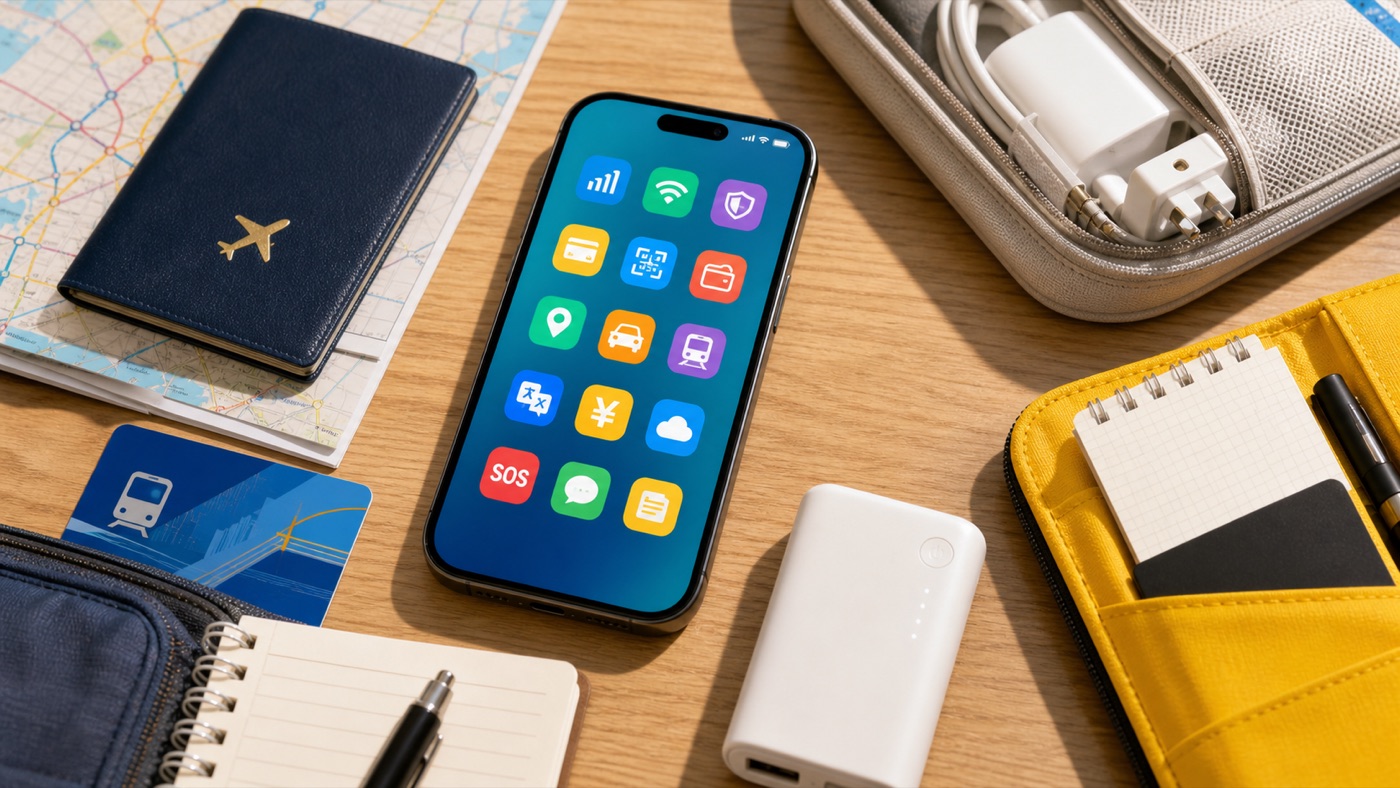
The One-Week Checklist
| Task | Do before departure | Why it matters |
|---|---|---|
| Mobile data | Confirm eSIM support, install a travel eSIM, prepare roaming, or choose another connection plan. | Maps, payment, translation, ride-hailing, and support chats all depend on data. |
| SMS access | Keep the number tied to banks, email, airlines, Alipay, and WeChat reachable. | A data-only eSIM may not receive verification codes. |
| Alipay | Download Alipay and link an eligible international card where possible. | It is often the easiest visitor starting point for QR payments and travel services. |
| Create or check your account and review whether WeChat Pay is available for you. | Hotels, guides, drivers, restaurants, and mini-programs often use WeChat. | |
| Chinese addresses | Save hotel, airport, station, and first attraction names in Chinese. | DiDi, taxis, maps, and hotel check-in are easier when the address is readable locally. |
| DiDi and maps | Install DiDi and AMap, and save first-day places. | You reduce voice explanations and pickup-point confusion. |
| Trains | Set up 12306 or Trip.com, verify passport details, and screenshot train records. | High-speed rail uses real-name ticketing and passport-dependent station workflows. |
| Backups | Save documents offline, carry a second card, some RMB cash, and a compliant power bank. | Backups turn app problems into small delays instead of broken plans. |
Seven Days Before: Phone, Data, And SMS
Confirm your phone is unlocked and supports the connection method you plan to use. If you want eSIM, check the exact device and region model. If eSIM is not available, decide whether you will use roaming, a local SIM, or pocket Wi-Fi.
Then separate two needs: mobile data and SMS. Many travel eSIMs are data-only, which can be perfect for maps and payment apps but useless for receiving bank or account verification codes. Keep your home number reachable for the services that already know it.
If you are unsure whether you need a mainland +86 number, read Do I Need a Chinese Phone Number in China as a Tourist?.
Five Days Before: Payments And App Login
Install Alipay and WeChat. Open both on stable Wi-Fi, link eligible cards where possible, and make sure your SMS or email recovery works. If a bank blocks an international card-linking or verification attempt, it is much easier to call the issuer from home than from a hotel lobby.
Do not treat payment as a single-app decision. Alipay is usually the first wallet to set up; WeChat is important for communication, mini-programs, and payment backup. Carry a second card and some RMB cash because QR flows, card issuers, limits, fees, and merchant setups can still fail.
Use Should Tourists Use Alipay or WeChat Pay in China? for the shorter decision rule.
Three Days Before: Trains, Passport, And Addresses
If you will take high-speed trains, set up 12306 or Trip.com now. Use the exact passport name and passport number. Add every passenger before the train becomes urgent. Save the train number, departure station, arrival station, carriage, seat, and confirmation offline.
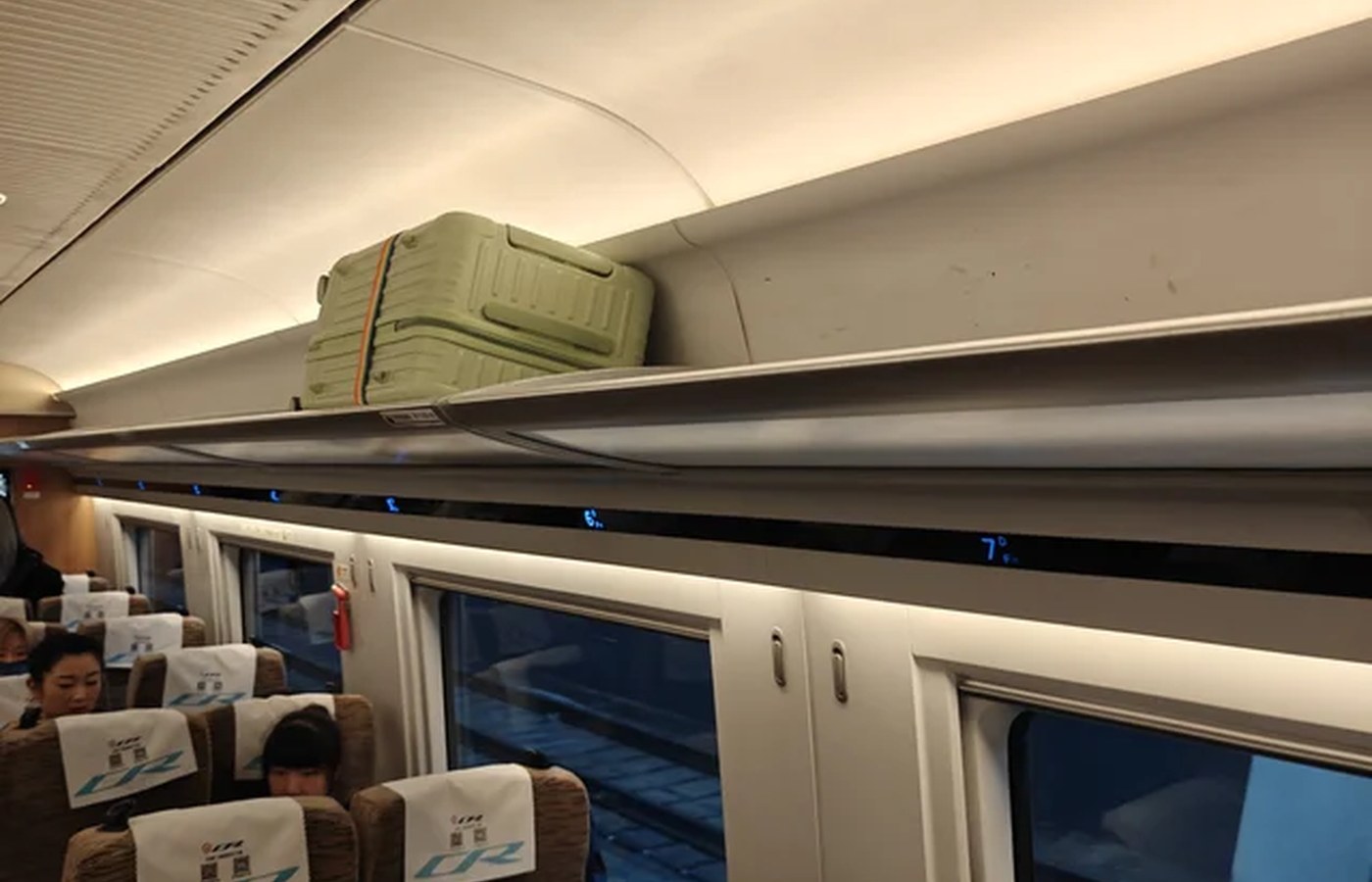
Also save Chinese addresses for your hotel, first railway station, arrival airport, and first must-reach attraction. Keep them as text and screenshots. English names can be ambiguous; the Chinese address is what helps drivers, station staff, and local map apps.
For the full train workflow, read How to Take High-Speed Trains in China With a Foreign Passport. If verification fails, use 12306 Verification Failed With a Foreign Passport.
The Day Before: Offline Proof And Hardware
Screenshot the boring things: passport info page, hotel confirmation, train or flight bookings, insurance details, emergency contacts, card issuer support numbers, and your first-night address in Chinese.
Download offline translation packs if your translation app supports them. Save a few phrases for taxi pickup, hotel check-in, food allergies, and payment issues.
Check your power bank before packing, especially if you will take a China domestic flight. Current CAAC rules pay attention to CCC markings and capacity. As a practical rule, carry power banks in cabin baggage, keep them switched off during flight, and do not pack unclear or recalled models.
After Landing: First 10 Minutes
- Turn on mobile data.
- Open Alipay and WeChat.
- Open AMap or another China-friendly map.
- Load your hotel address in Chinese.
- Choose metro, taxi, DiDi, or hotel transfer.
- Keep backup card or RMB cash ready.
If one route fails, switch quickly. Do not debug a payment app for ten minutes at a taxi queue if you have cash, a second card, or another wallet available.
Next Steps
If you still need to choose a data setup, read How to Get Internet in China. If payment is your main concern, read How to Pay in China as a Foreigner. If you want the full phone stack in one place, read China Travel Apps.
Step-by-Step Checklist
- 1Confirm your phone, data, and SMS plan.Decide between eSIM, roaming, local SIM, or pocket Wi-Fi, and keep the number used for bank and app SMS reachable.
- 2Install and test Alipay and WeChat.Link eligible cards, check account access, and keep WeChat ready for communication and mini-programs.
- 3Save Chinese addresses.Keep hotel, airport, station, and first attraction names as Chinese text plus screenshots.
- 4Prepare maps, DiDi, and translation.Open each app once, test login, and download offline translation packs if available.
- 5Set up train booking if needed.Use 12306 or Trip.com, complete passport verification early, and save train details offline.
- 6Screenshot documents and bookings.Save passport info page, hotel, flight, train, insurance, and card issuer support details.
- 7Pack payment and power backups.Carry a second card, some RMB cash, and a compliant power bank for domestic flights.
Common Mistakes
- Waiting until landing to install and verify apps. Do app-store downloads, logins, card linking, and SMS checks while you still have stable home internet.
- Buying a data-only eSIM and expecting SMS. Check whether your plan includes a phone number, voice, or SMS; many travel eSIMs only provide data.
- Saving only English place names. Copy Chinese addresses from hotels, official attraction pages, booking apps, or local map results.
- Leaving 12306 verification until the train is urgent. Add passengers and verify passport details before tickets become time-sensitive.
- Depending on one payment app, one card, or one data plan. Use a small stack: Alipay, WeChat, backup card, RMB cash, and fallback connection.
- Packing an unclear power bank for a China domestic flight. Check the CCC mark and watt-hour capacity before you reach security.
FAQ
Is this checklist enough for planning a first China trip?
Use it as the preparation hub, not the full itinerary plan. It covers arrival setup, payments, connectivity, apps, trains, documents, and backups; pair it with destination and route guides when choosing where to go.
What should I prepare one week before traveling to China?
Prepare mobile data, SMS access, Alipay, WeChat, AMap, DiDi, translation, Chinese hotel addresses, train booking, passport screenshots, payment backup, and compliant power bank.
What should I do first on a China travel checklist?
Start with the things that unlock everything else: phone data, SMS verification access, payment apps, Chinese addresses, maps, ride-hailing, translation, and offline screenshots.
Should I set up Alipay before arriving in China?
Yes. Install Alipay, add an eligible card where possible, and check your account while you still have easy access to app stores, bank verification, and email.
Do I need both Alipay and WeChat?
Alipay is often the easiest main payment app for visitors, while WeChat is useful for messaging, QR codes, mini-programs, and backup payment where available.
What should I screenshot before departure?
Screenshot your hotel address in Chinese, booking confirmations, train details, passport info page, insurance details, emergency contacts, and card issuer support numbers.
Sources and Update Notes
- Payment service guide for overseas visitors to China Checked June 20, 2026 for official payment options, mobile-payment limits, cash, and bank-card guidance.
- Alipay+: Pay in the Chinese mainland Checked June 20, 2026 for Alipay international-version setup, eligible international cards, and travel-service positioning.
- DiDi China: Ride Hailing on the App Store Checked June 20, 2026 for DiDi's English interface, global mobile-number login, bilingual messaging, and payment positioning.
- China Railway 12306 English FAQ Checked June 20, 2026 for official English train-booking service scope and passport-ticketing notes.
- MTR High Speed Rail: 12306 ticket purchase Checked June 20, 2026 for 12306 passenger verification and ticket-sale timing guidance.
- Saily: China eSIM Checked June 20, 2026 for data-only eSIM and no-local-phone-number positioning.
- CAAC: Power bank rules for domestic flights Checked June 20, 2026 for CAAC domestic-flight power-bank restriction context.
- Shanghai: How to check if your power bank is flight-ready Checked June 20, 2026 for CCC mark, capacity, carry-on, and approval thresholds.