Connectivity
What Websites Are Blocked in China? Google, Gmail, WhatsApp, YouTube and VPN Prep
Prepare for common China website and app access problems: Google, Gmail, YouTube, WhatsApp, Instagram, maps, social media, eSIM/VPN checks, and offline backups.
Quick Answer
Mainland China blocks or disrupts access to many foreign websites and online services, and availability can change by network, location, date, and connection type. For tourists, the practical issue is not memorizing a full block list. It is preparing for common problem categories: Google services, Gmail, YouTube, WhatsApp, Facebook, Instagram, X, some news sites, cloud services, and tools that depend on those platforms. Before departure, download key apps, save bookings offline, prepare a China-friendly map app, set up payment and messaging backups, and choose mobile data with a realistic fallback.
Best Option by Scenario
| Scenario | Best option | Notes |
|---|---|---|
| First-time tourist | Prepare for Google, social media, and some messaging apps to be unreliable on normal mainland networks. | Install China-friendly alternatives and save offline copies before departure. |
| Traveler relying on Google services | Save Gmail, Maps, Drive, Calendar, and booking details outside Google before flying. | Do not make arrival logistics depend on live Google access. |
| Traveler using international social apps | Tell contacts you may be slower to respond and agree on backup channels. | Use WeChat for China-side contacts and keep email or SMS as fallback. |
Detailed Guide
The useful travel question is not “what is the complete list?” A complete list can go stale quickly. The useful question is “which parts of my trip break if the websites and apps I normally use do not load?”
 Google
 Gmail
Gmail YouTube
 WhatsApp
 Facebook
 Instagram
 X
X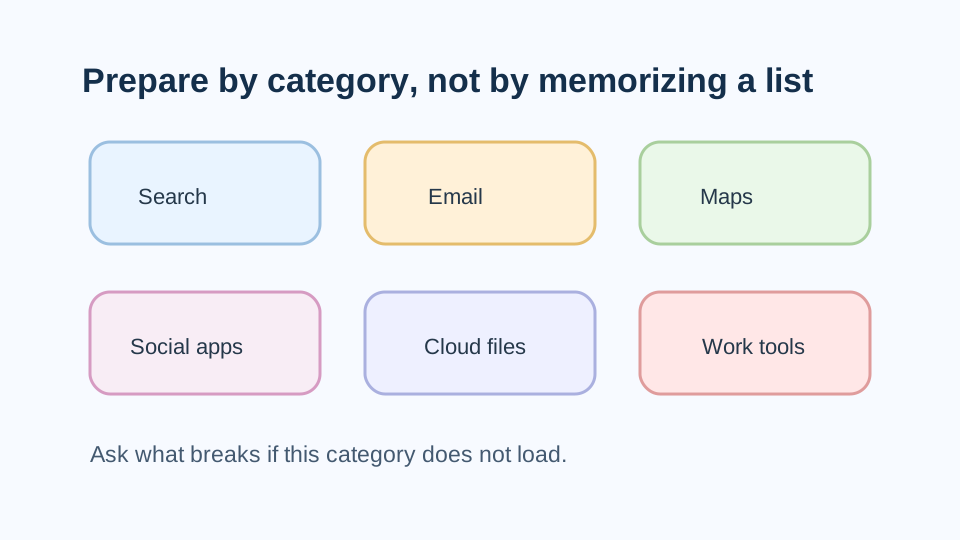
A category-based checklist stays useful even when individual websites or services change.
Common Problem Categories
Expect trouble with categories such as Google services, Gmail, YouTube, WhatsApp, foreign social apps, cloud files, news sites, and work tools on normal mainland China networks. Even when one service appears to load through a particular connection, another may fail or behave differently.
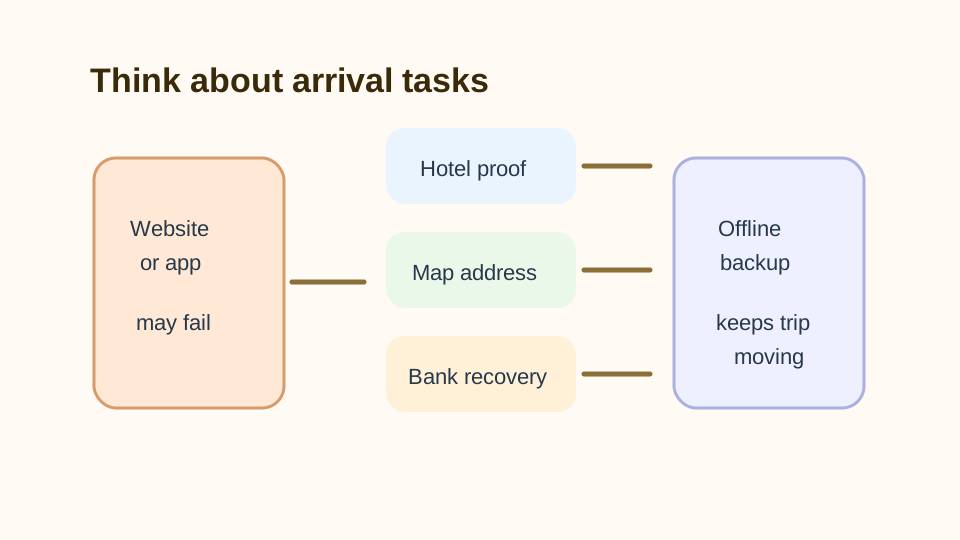
The risk matters most when a website failure blocks a real travel task: hotel proof, map address, payment recovery, or contacting someone.
Prepare By Use Case
For search, save answers before you need them. For email, download critical confirmations. For maps, install AMap and save Chinese place names. For messaging, install WeChat for China-side contacts and tell foreign contacts that WhatsApp or social apps may be unreliable.
 Alipay
 WeChat
 AMap
AMap DiDi
DiDi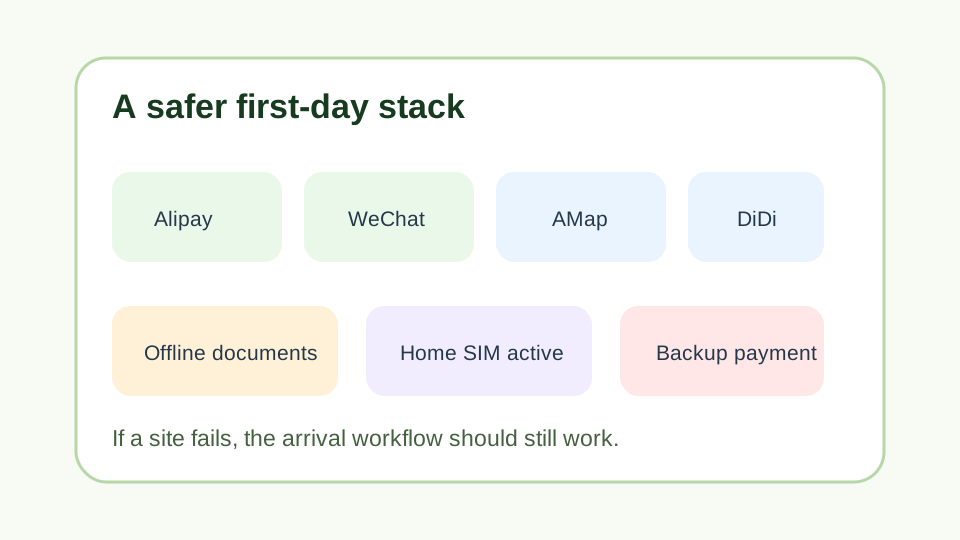
The safer first-day stack keeps the trip moving even if a familiar foreign website does not open.
Connectivity Options Are Different
Hotel Wi-Fi, local SIM data, international roaming, and travel eSIMs can route traffic differently. A site that fails on one connection may behave differently on another, which is why “will this app work?” often has a provider-specific answer.
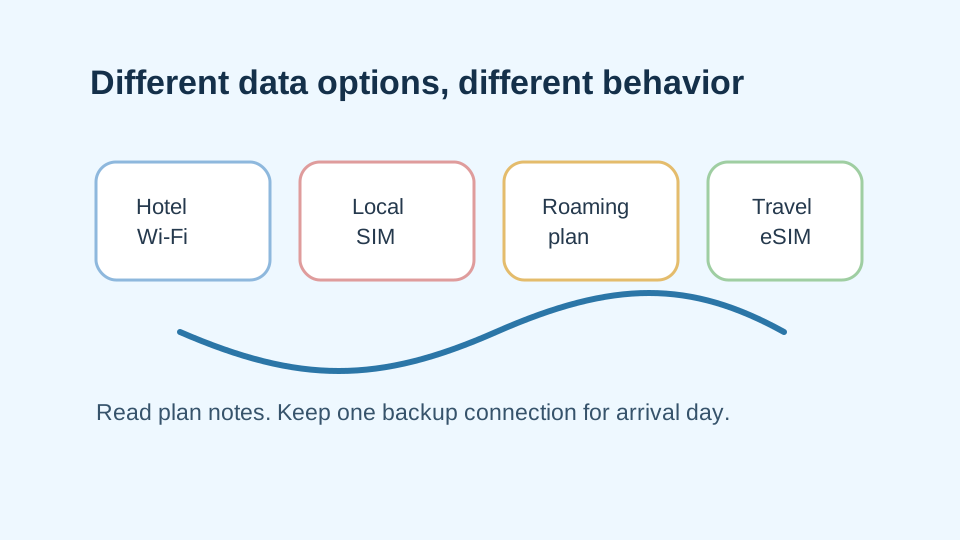
Read the exact plan notes for routing, activation, hotspot, support, and whether the plan is data-only.
A Safer Pre-Trip Setup
Before departure, install the China basics: Alipay, WeChat, AMap, DiDi, and a translation app. Save important documents offline. Keep your home SIM available for verification codes. Carry a second payment method and some RMB cash.
This setup makes the first day less fragile: find the hotel, pay for transport, message someone, and show the booking even if a website fails.
Step-by-Step Checklist
- 1List the apps you cannot lose.Focus on email, maps, messaging, banking, airline, hotel, and payment recovery.
- 2Save travel documents offline.Use screenshots, PDFs, wallet passes, and notes outside cloud-only storage.
- 3Install China-friendly alternatives.Prepare AMap, WeChat, Alipay, DiDi, and translation tools before departure.
- 4Prepare mobile data and one backup.Compare travel eSIM, roaming, local SIM, pocket Wi-Fi, and hotel Wi-Fi realistically.
- 5Follow local law and official travel advice.Government travel advisories warn that China controls internet access and that VPN use can carry legal risk.
Common Mistakes
- Trying to memorize a complete blocked-site list. Prepare by category: search, email, maps, social, messaging, cloud files, news, and work tools.
- Saving documents only in Google Drive, iCloud links, or a cloud inbox. Keep offline copies on the device and with a travel companion where appropriate.
- Waiting until arrival to download alternatives. Install and test apps before departure while app stores and account recovery are easier.
FAQ
Are Google, Gmail, and YouTube blocked in China?
Google services are commonly inaccessible or disrupted on normal mainland China networks. Prepare offline copies and China-friendly alternatives before travel.
Are WhatsApp, Facebook, Instagram, and X blocked in China?
Government travel advice and traveler reports indicate that major foreign social and messaging services can be blocked or unreliable in mainland China. Use backup contact methods.
Can a travel eSIM bypass blocked websites in China?
Some travel eSIMs or roaming setups may route traffic outside normal mainland filtering, but this depends on the provider and plan. Read current plan notes and keep backups.
Is a VPN legal for tourists in China?
Official travel advisories warn that VPN use can carry legal risk in China. Follow local law and your government's travel advice before relying on one.
What should I do if a site will not open in China?
Switch to your prepared backup: offline screenshots, local apps, hotel Wi-Fi or mobile data fallback, WeChat or email backup, and saved phone numbers.
Sources and Update Notes
- GOV.UK China travel advice: internet access Checked June 1, 2026 for UK government guidance that China controls internet access and some services are permanently blocked.
- Travel.gc.ca China travel advice: internet censorship and cyber security Checked June 1, 2026 for Canadian government guidance that China blocks several websites, social media, search engines, and online services.
- U.S. Department of State China Travel Advisory Checked June 1, 2026 for technology-use, network privacy, public Wi-Fi, and VPN legal-risk cautions.
- Google Transparency Report Help: product traffic disruptions Checked June 1, 2026 for Google's explanation of traffic disruptions and government-mandated block examples.