Apps
Does Gmail Work in China? eSIM, VPN, Offline Email and Account Recovery
Gmail in China can be unreliable on mainland networks. Prepare eSIM/VPN access checks, Gmail offline, account recovery, backup email, SMS, and saved bookings.
Quick Answer
Do not assume Gmail will work normally in mainland China. Google services can be inaccessible or disrupted on normal mainland networks, and Gmail access can depend on your connection, device, account security settings, and any backup connectivity you use. Before departure, download important emails, screenshot bookings, enable Gmail offline if it fits your device, confirm account recovery options, and keep a second way to receive urgent messages. If Gmail is your main inbox for hotels, flights, bank alerts, or two-factor codes, make those details available outside Gmail before you land.
Best Option by Scenario
| Scenario | Best option | Notes |
|---|---|---|
| Tourist using Gmail for bookings | Screenshot and download booking confirmations before departure. | Do not depend on live inbox access at immigration, hotel check-in, or train stations. |
| Traveler using Gmail for bank or airline verification | Confirm account recovery, phone access, and backup codes before flying. | A blocked inbox or missing SMS code can cascade into other app problems. |
| Traveler with work email hosted by Google Workspace | Ask your organization about China access and offline policy before travel. | Corporate security policies can add extra login prompts abroad. |
Detailed Guide
Gmail access is not just an email question. For many travelers, Gmail is where flight changes, hotel messages, bank alerts, train bookings, insurance documents, and account recovery links arrive. If Gmail becomes hard to reach, other parts of the trip can become harder too.
 Gmail
Gmail Google account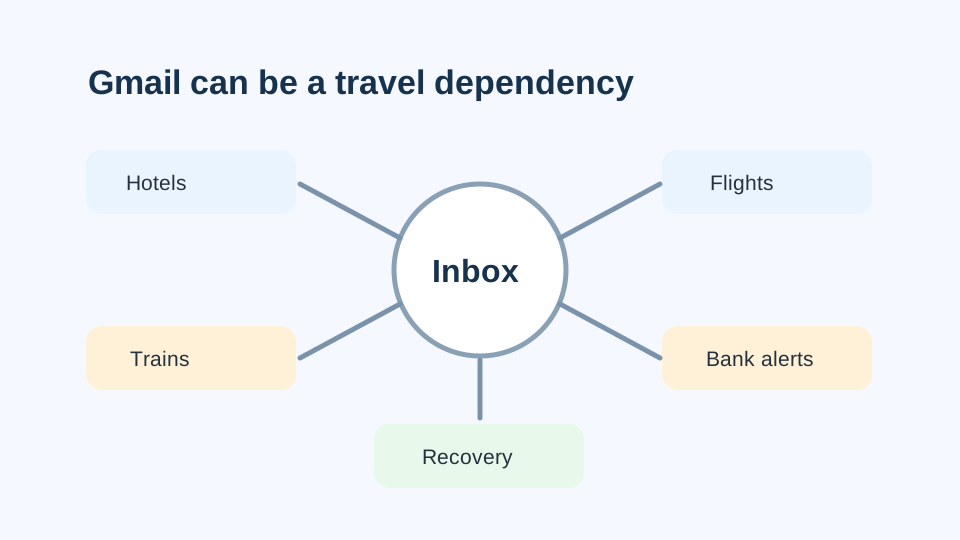
Treat Gmail as a dependency map. If the inbox fails, hotel proof, transport details, bank alerts, and recovery links can all become harder to reach.
What To Expect
On normal mainland China networks, Google services can be inaccessible or disrupted. Gmail may fail to load, sync slowly, or work only through a specific connection setup, and your experience can differ between mobile data, hotel Wi-Fi, airport Wi-Fi, roaming, and a travel eSIM plan.
Gmail access still depends on your connection path.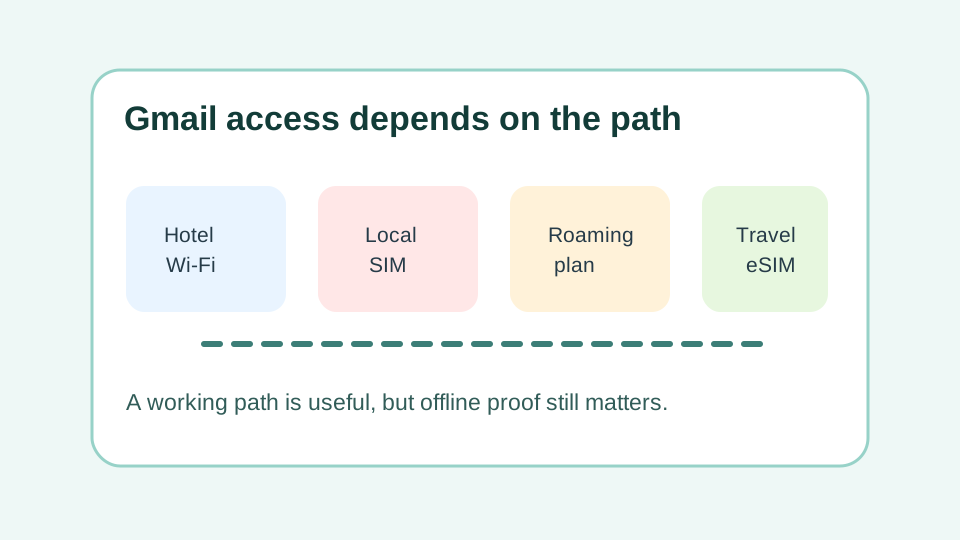
A connection path can make Gmail more or less usable, but it should not be the only place your travel proof lives.
What To Save Before Departure
Save anything you may need during the first 24 hours: hotel confirmation, Chinese hotel address, flight details, train tickets, attraction bookings, insurance documents, emergency contacts, and card issuer support numbers. Screenshots are often enough for quick reference; PDFs are better for longer documents.
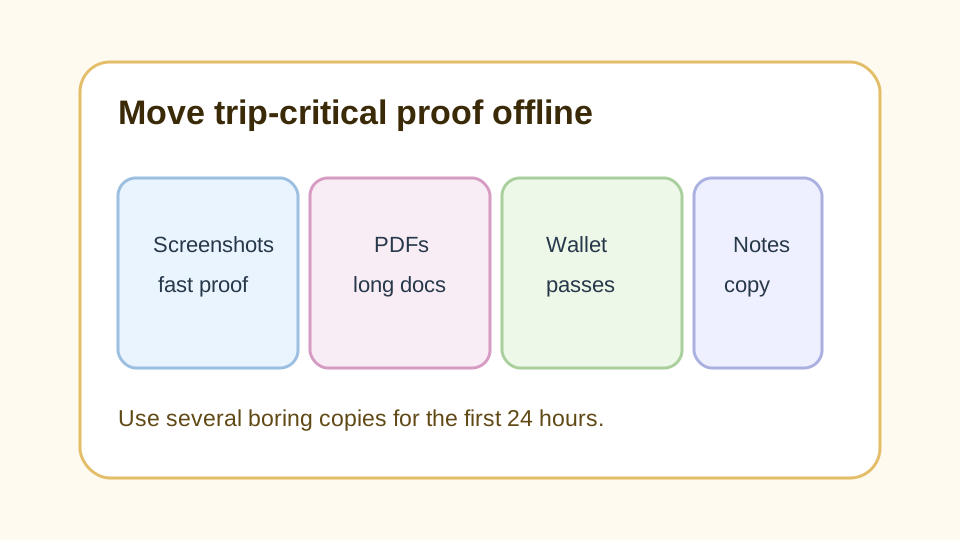
The first-day archive should be boring and redundant: screenshots, PDFs, wallet passes, and notes.
Account Recovery Matters
Check your Google account recovery settings before flying. Make sure your backup email, phone number, authenticator app, and backup codes are current, and keep your home SIM available if you may need SMS codes for banks, airlines, booking platforms, or Gmail itself.
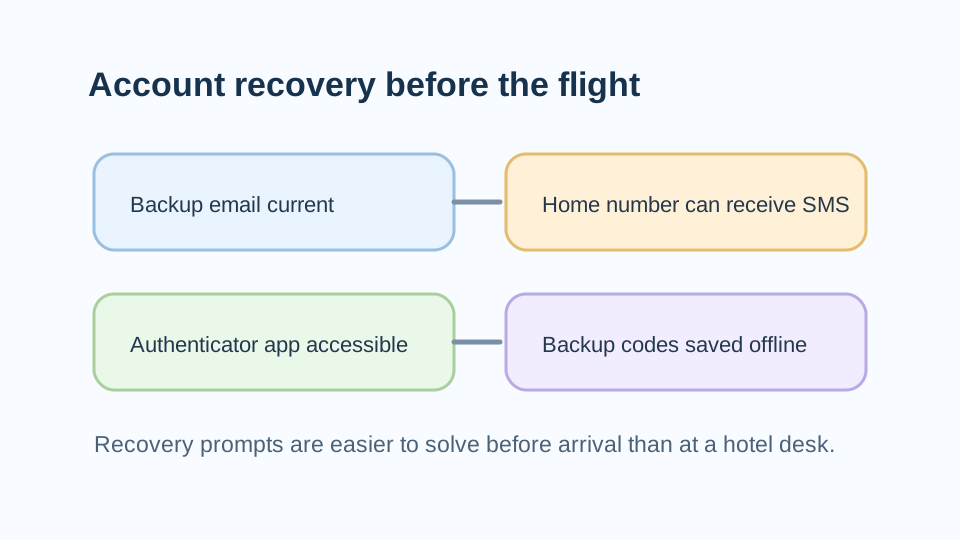
Recovery prompts are much easier to solve before travel than at a railway station, hotel desk, or airport counter.
When Gmail Offline Helps
Gmail offline can help if you use Chrome and sync messages before travel. It is useful for reading previously downloaded mail, looking up confirmations, and checking information when live access is unreliable.
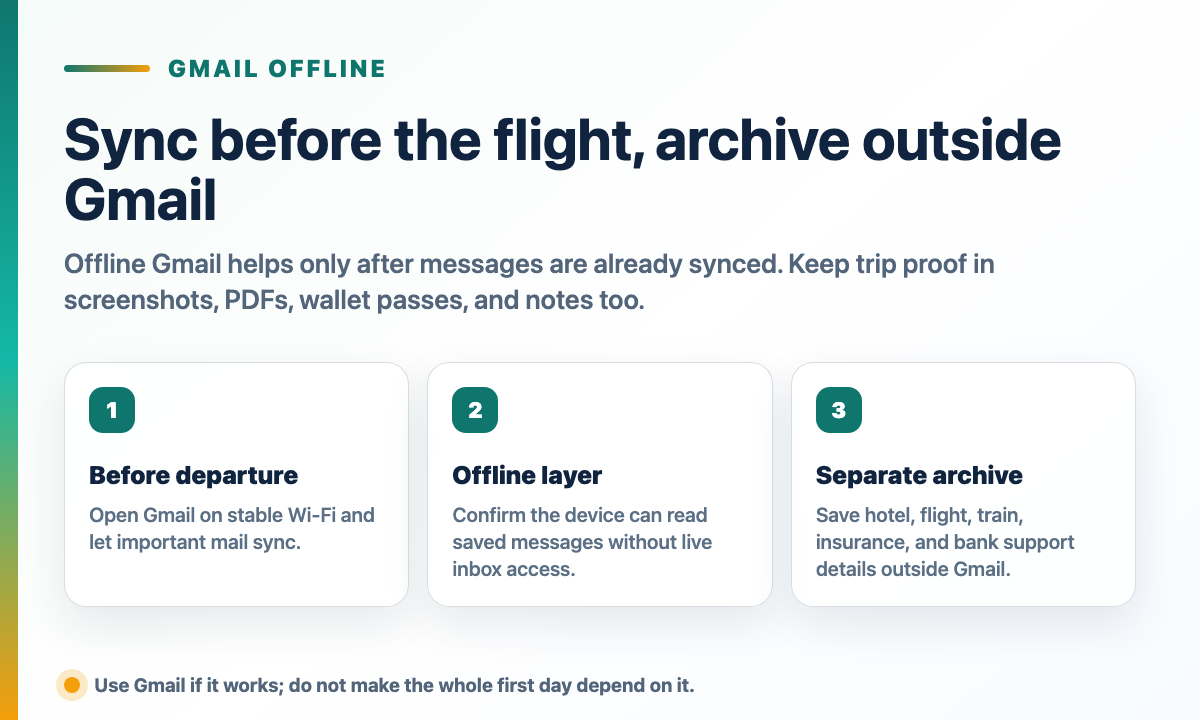
Gmail offline is useful only after the messages are already synced. A separate archive is still the faster proof layer at a hotel desk, train station, or airport counter.
Practical Email Setup
Use Gmail if it works through your connection, but keep the trip-critical information outside Gmail. Add a secondary email or contact route for urgent messages, and tell travel companions where to find your backup documents.
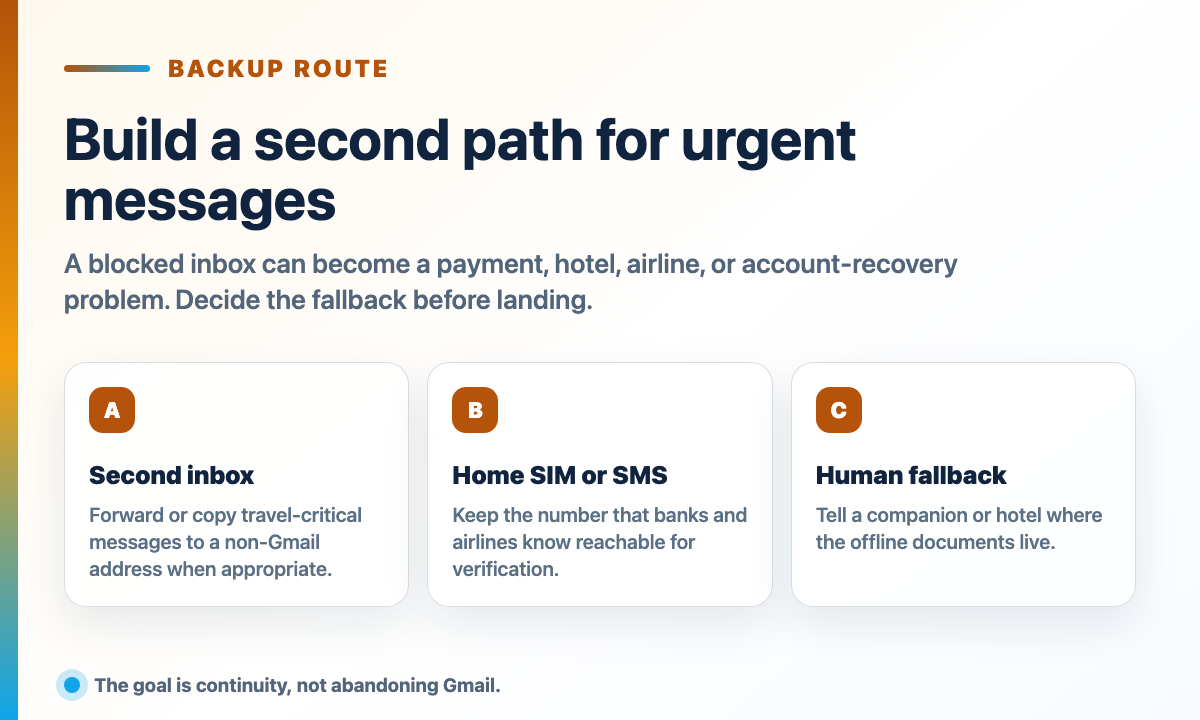
The practical setup is not to abandon Gmail; it is to decide the second contact path before a blocked inbox becomes a hotel, airline, bank, or recovery problem.
Step-by-Step Checklist
- 1Screenshot important confirmations.Hotels, flights, trains, attraction bookings, insurance, and emergency contacts should be available offline.
- 2Enable Gmail offline if it suits your browser and device.Test it before departure and understand what will and will not sync.
- 3Confirm recovery methods.Check backup email, phone number, authenticator app, and backup codes before travel.
- 4Keep a second inbox or contact path.Use a non-Gmail address, SMS, phone, or travel companion as a practical fallback.
- 5Prepare mobile data before landing.Your email plan should be part of your broader China internet setup.
Common Mistakes
- Keeping all booking proof only in Gmail. Save confirmations as screenshots, PDFs, wallet passes, or notes outside the inbox.
- Testing Gmail only on home Wi-Fi. Assume access can differ on mainland networks and prepare offline copies.
- Forgetting account recovery. Bring backup codes and keep your home number able to receive important verification messages.
FAQ
Is Gmail blocked in China?
Google services can be inaccessible or disrupted on normal mainland China networks. Treat Gmail as unreliable unless your connection setup has been tested.
Can Gmail offline help in China?
It can help you read previously synced messages in Chrome, but it does not replace live inbox access, new-message delivery, attachments that were not synced, or account recovery.
Should I forward Gmail to another email before China?
It can be useful for urgent travel messages if you have a trusted secondary inbox, but test forwarding and avoid creating privacy or security problems.
Will a travel eSIM make Gmail work?
Some travel eSIM or roaming setups may route traffic in a way that allows Gmail access, but this depends on the provider and plan. Keep offline copies anyway.
What should I save outside Gmail?
Save hotel confirmations, flight and train details, passport scans, insurance contacts, card issuer numbers, visa or entry documents, and emergency contacts.
Sources and Update Notes
- GOV.UK China travel advice: internet access Checked June 1, 2026 for UK government guidance on controlled internet access and permanently blocked services including Google.
- Travel.gc.ca China travel advice: internet censorship and cyber security Checked June 1, 2026 for Canadian government guidance on blocked websites, social media, search engines, and online services.
- Google Transparency Report Help: product traffic disruptions Checked June 1, 2026 for Google's explanation of product traffic disruptions and government-mandated blocks.
- Gmail Help: set up and use Gmail offline Checked June 1, 2026 for official Gmail offline setup requirements and usage limits.