Apps
Can I Use WhatsApp in China? eSIM, VPN, WeChat and Messaging Backups
Whether WhatsApp works in China depends on network route. Prepare eSIM/VPN access checks, WeChat, LINE, KakaoTalk, Messenger, Zalo, SMS, email, and offline contacts.
Quick Answer
You should not rely on WhatsApp as your only messaging app in mainland China. On normal mainland networks, access to foreign messaging services can be blocked, unreliable, or different by connection type, and voice or video calls may fail even when text works. Before departure, keep WhatsApp logged in, install WeChat for China-side contacts, agree on a second way to reach family, and save hotel phone numbers, Chinese addresses, booking references, and emergency contacts outside chat apps. If you plan to use a travel eSIM, roaming, VPN, or WhatsApp proxy, verify the provider notes before travel and keep a non-chat fallback such as SMS, email, phone calls, or offline screenshots.
Best Option by Scenario
| Scenario | Best option | Notes |
|---|---|---|
| Keeping in touch with family abroad | Keep WhatsApp, but agree on email, SMS, phone, iMessage, or another second channel. | Family updates should not depend on one app or one data path. |
| Talking with hotels, guides, drivers, or local contacts | Install WeChat before departure and test login. | China-side contacts are much more likely to expect WeChat than WhatsApp. |
| Using hotel Wi-Fi, a local SIM, roaming, travel eSIM, VPN, or proxy | Expect behavior to vary by connection and keep offline contact details. | Do not treat any single connection type as a guaranteed WhatsApp workaround. |
| Traveling with friends from Japan, Korea, Russia, Thailand, or Vietnam | Agree on the home-market app too: LINE, KakaoTalk, Telegram, Messenger, Zalo, or SMS. | The right backup depends on what your group and family already use. |
Detailed Guide
WhatsApp can still be part of your China setup, but it should not be the only place your trip depends on. The practical plan is to separate foreign contacts, China-side contacts, account recovery, and offline trip details before you fly.
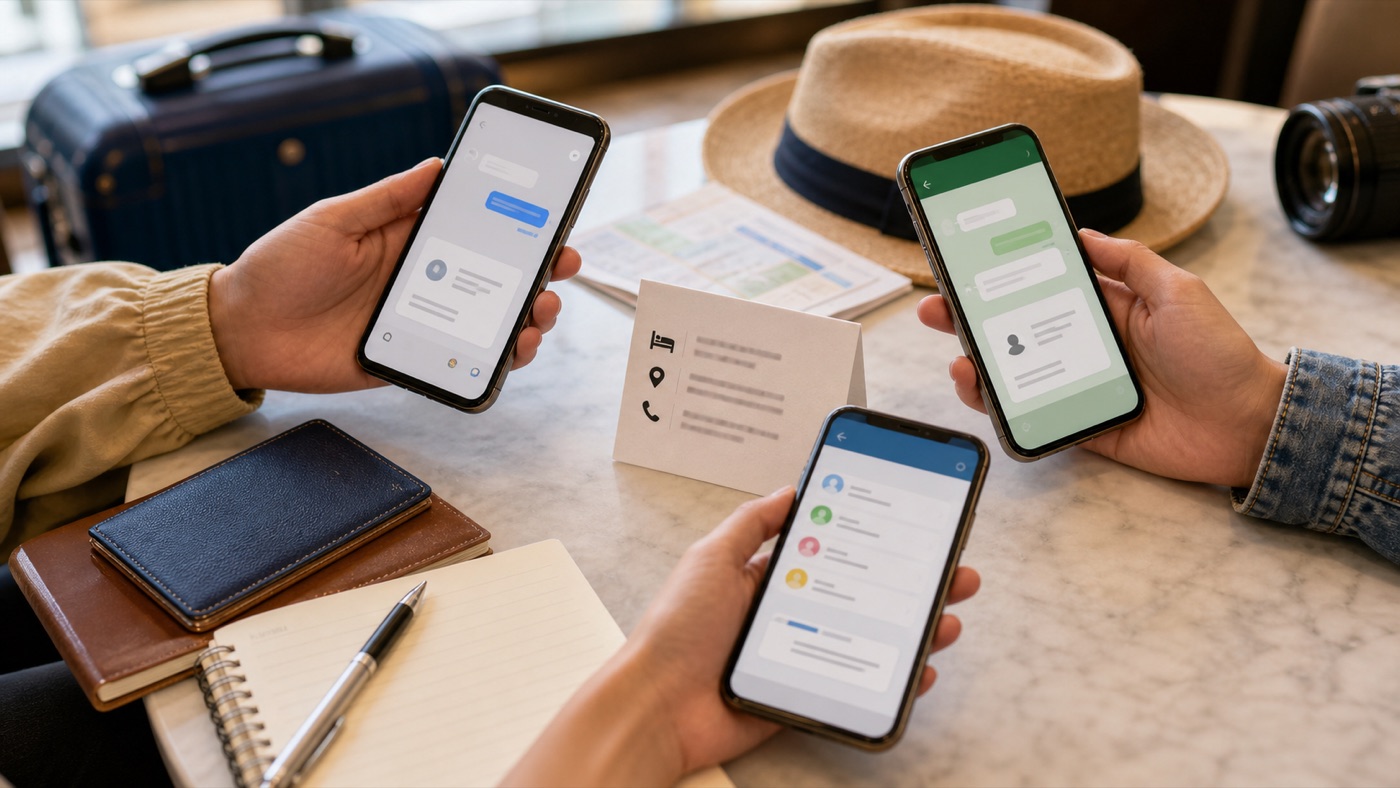
The safest messaging setup is local to your contacts: WhatsApp for people who already use it, WeChat for China-side logistics, and the home-market app your family actually checks.
Why Connection Type Matters
Mainland internet behavior is not a single yes-or-no answer. Hotel Wi-Fi, local SIM data, roaming, travel eSIMs, VPNs, and proxies can behave differently, and a text message succeeding does not prove calls, media, or account recovery will work.
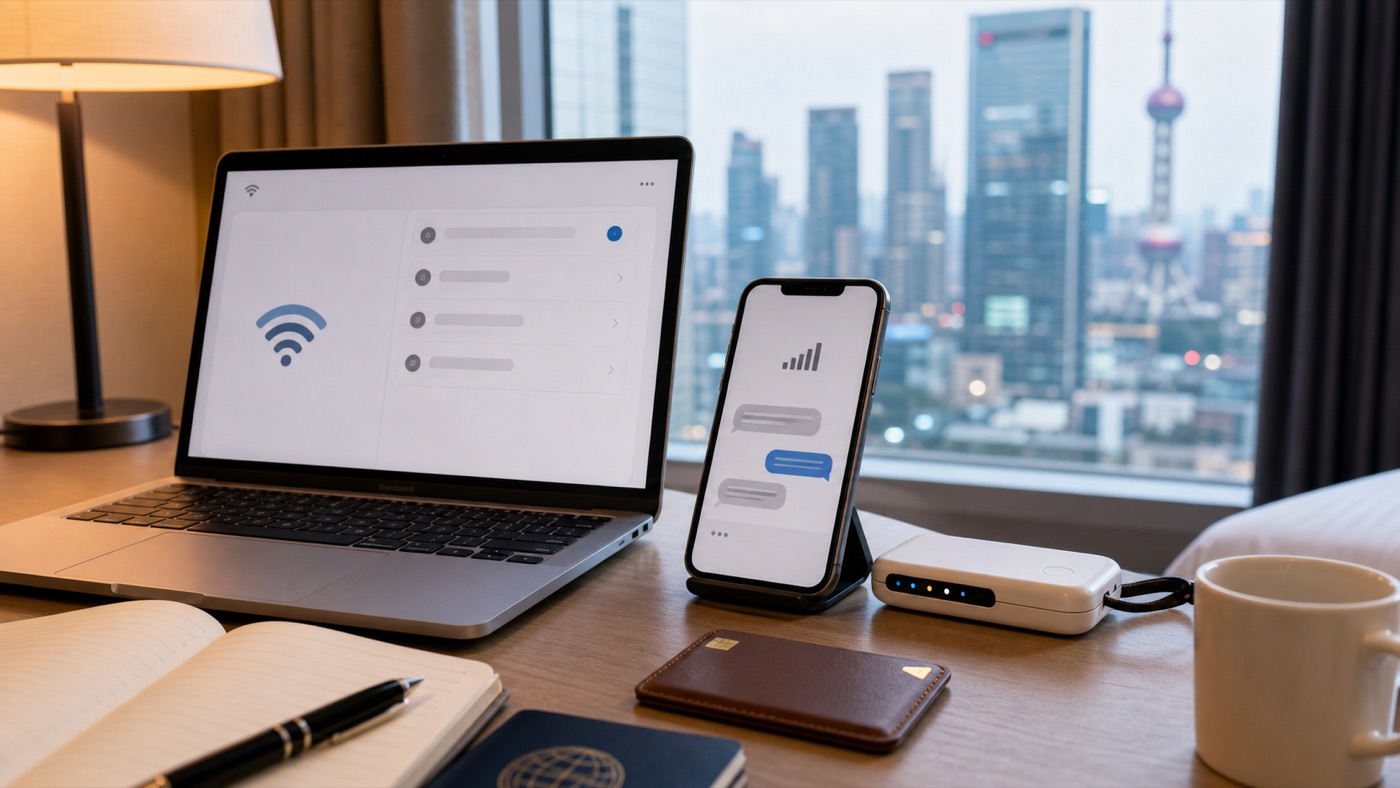
Treat every connection method as something to verify, not as a promise that WhatsApp calls or media will work everywhere.
Set Up The Backup Stack
Before departure, keep WhatsApp logged in, install WeChat, and decide how family should reach you if WhatsApp fails. For some groups that second path is email or SMS; for others it is LINE, KakaoTalk, Telegram, Facebook Messenger, Zalo, iMessage, or a normal phone call.
Keep Trip Details Outside Chat
Do not leave your first-day logistics trapped in a message thread. Save hotel names, Chinese addresses, front-desk phone numbers, booking references, flight or train details, guide contacts, and emergency numbers in notes and screenshots.
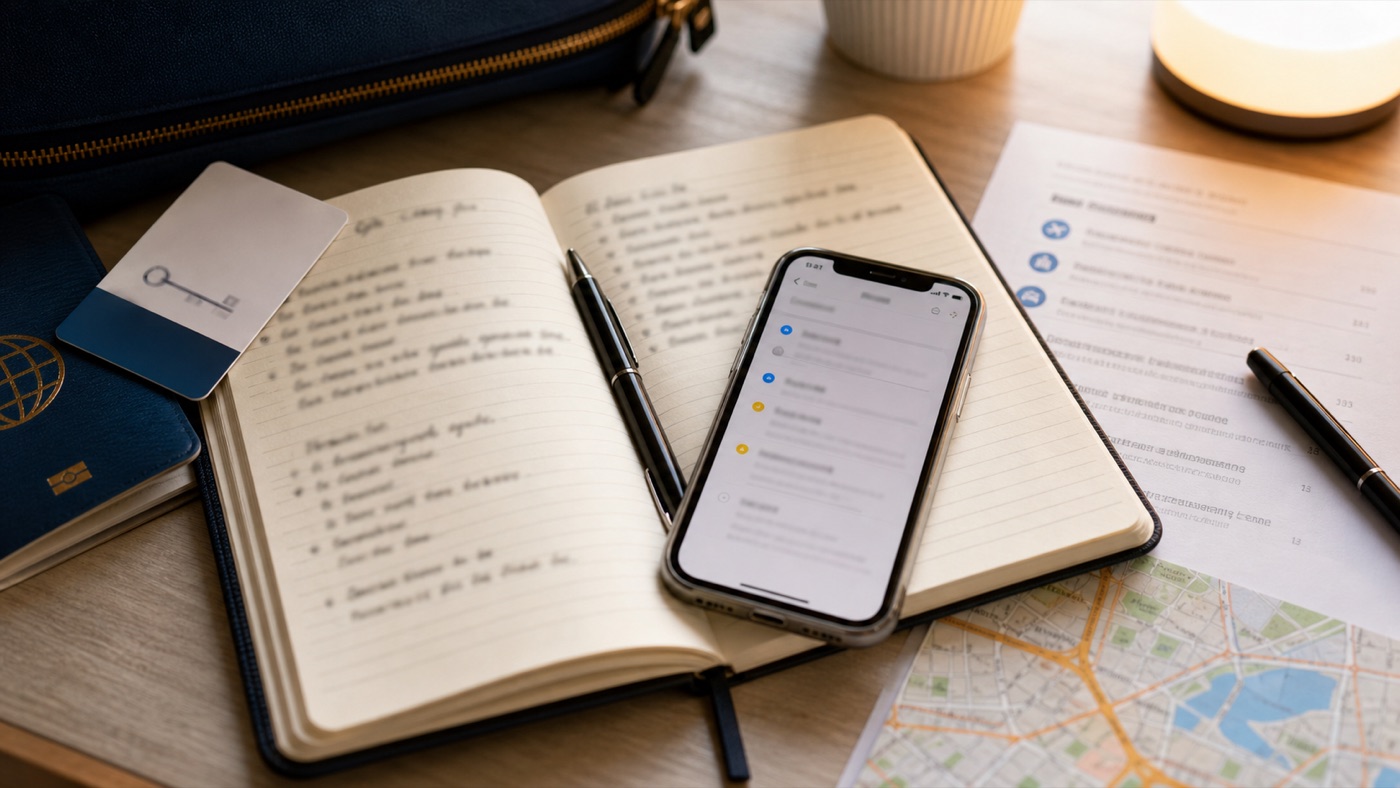
Offline notes are the fallback that still works when a chat app, account login, or data route does not.
Step-by-Step Checklist
- 1Keep WhatsApp logged in before departure.Avoid device-change or recovery prompts after you land.
- 2Install WeChat and add China-side contacts where possible.Use it for hotels, guides, drivers, local friends, and some service providers.
- 3Agree on a second family contact path.Use email, SMS, phone calls, iMessage, LINE, KakaoTalk, Telegram, Messenger, or Zalo depending on your contacts.
- 4Save critical details outside chat.Keep hotel phone numbers, Chinese addresses, booking references, and emergency contacts in notes and screenshots.
- 5Check connectivity notes before travel.Read your travel eSIM, roaming, VPN, or proxy guidance without assuming guaranteed access.
Common Mistakes
- Asking whether WhatsApp works as a yes-or-no question. Plan for connection-specific behavior and keep a non-WhatsApp fallback.
- Waiting until China to install or recover WeChat. Install and test while app stores, SMS, and email recovery are easier.
- Keeping hotel and guide details only inside a chat thread. Copy phone numbers, Chinese addresses, booking numbers, and meeting points into offline notes.
FAQ
Can I use WhatsApp in China?
Do not rely on it as your only messaging app. On normal mainland networks, WhatsApp can be unavailable or unreliable, and behavior can vary by connection type.
Does WhatsApp work with a travel eSIM in China?
Some travel eSIM or roaming setups may route traffic differently, but access depends on provider, plan, and current network behavior. Read current plan notes and keep another contact path.
Do I need WeChat if I use WhatsApp?
Yes, it is usually wise. WeChat is the common China-side contact path for hotels, guides, drivers, local friends, and some services.
What should I tell family before I travel?
Tell them WhatsApp may be unreliable, agree on a second channel, and share hotel details, flight dates, emergency contacts, and the best time to expect updates.
Which messaging backup matters for different travelers?
Japanese travelers often need LINE, Korean travelers KakaoTalk, Russian travelers WhatsApp plus Telegram, Thai travelers LINE or Messenger, and Vietnamese travelers Zalo or Messenger. Also keep SMS, email, and offline notes.
Sources and Update Notes
- GOV.UK China travel advice: internet access Checked June 15, 2026 for UK government guidance that Chinese authorities control internet access and some services are permanently blocked.
- Travel.gc.ca China travel advice Checked June 15, 2026 for Canadian government guidance on blocked websites, social media, search engines, and online services.
- OONI Explorer: China Checked June 15, 2026 for measurement context on app and network interference in China.
- WhatsApp Help Center: proxy setup Checked June 15, 2026 for WhatsApp proxy setup; this is a reconnection method, not a China access guarantee.
- WeChat on Google Play Checked for WeChat messaging, calls, and payment feature scope.
- LINE Help Center: account transfer Checked for LINE phone-number and account-transfer recovery context.
- KakaoTalk account safety Checked for KakaoTalk phone-number/account recovery risk after a number changes.
- Zalo product page Checked for Zalo's role as a Vietnamese messaging platform.