Apps
What Apps Should I Set Up Before Flying to China?
A pre-flight China app setup checklist for payments, maps, DiDi, messaging backups, train tickets, translation, and account recovery before you land.
Quick Answer
Before flying to China, do not just download apps. Open and test the core stack: Alipay for payment and mini-programs, WeChat for China-side messaging and payment backup, AMap or Apple Maps for navigation, DiDi or the DiDi mini-program for rides, a translation app with offline Chinese downloaded, and 12306 or Trip.com if you will book trains. Add local discovery apps such as Dianping, Meituan, or Xiaohongshu only after the basics work. The key pre-flight checks are SMS or email login, passport or real-name verification where required, foreign-card binding, map permissions, hotel addresses saved in Chinese, and backup contact details stored outside chat apps.
Best Option by Scenario
| Scenario | Best option | Notes |
|---|---|---|
| First-time visitor with one or two cities | Set up payment, messaging, maps, rides, translation, and offline hotel details before departure. | This is enough for arrival day, taxis, check-in, menus, and common payment friction. |
| Traveler taking high-speed rail | Add 12306 or Trip.com and keep the exact passport name and number consistent. | Your passport is part of the China train ticket workflow. |
| Traveler who relies on foreign messaging, email, or Google services | Prepare mobile data, account recovery, and a second contact channel before flying. | Some foreign services can be blocked or unreliable on mainland networks. |
| Food and local-discovery traveler | Add Dianping, Meituan, or Xiaohongshu only after the survival stack works. | These apps are useful, but they should not delay payment, maps, rides, or translation setup. |
Detailed Guide
The best pre-flight app plan is boring by design. You are not trying to collect every app from a travel video; you are trying to make sure the apps that unlock payment, navigation, rides, communication, translation, tickets, and account recovery already open before the aircraft door closes.
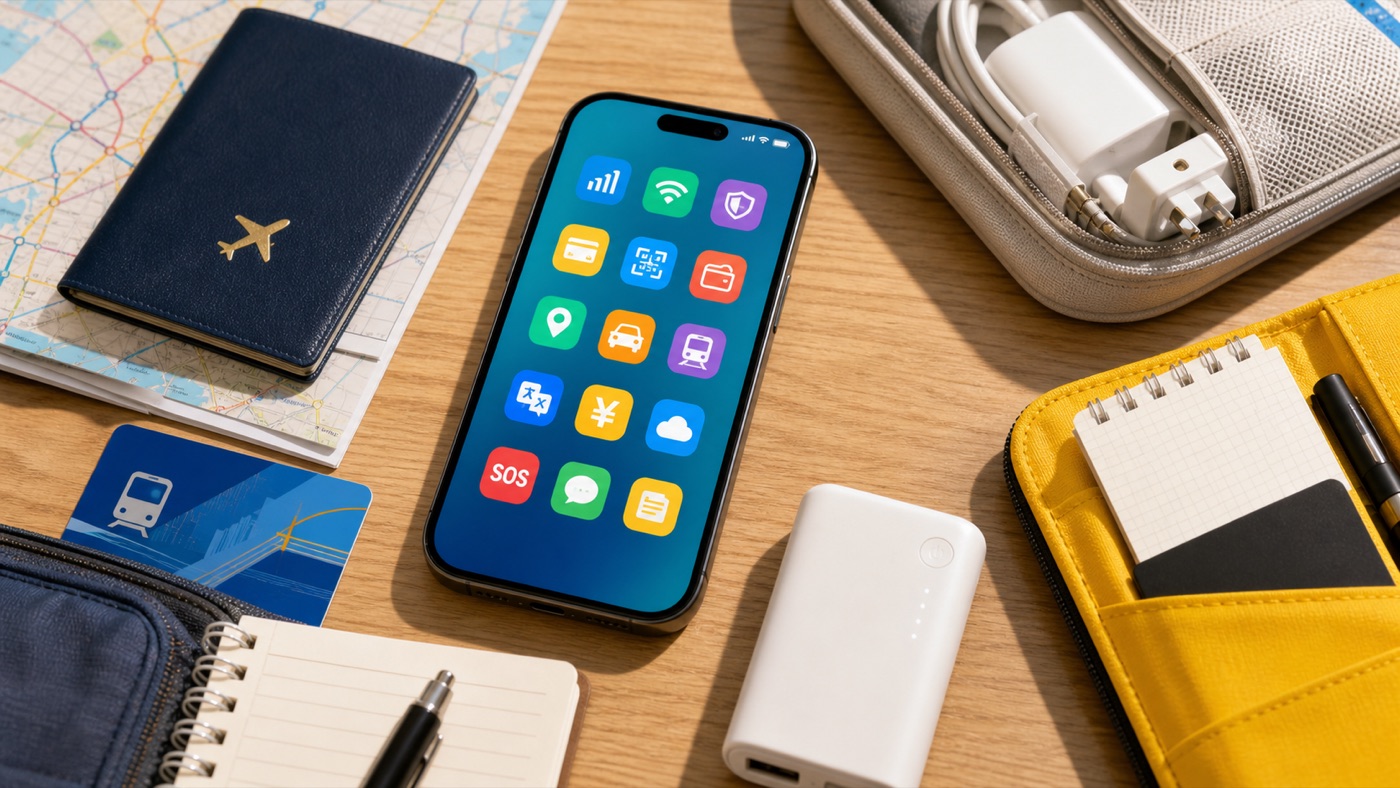
Treat app prep as a departure-day audit: install is only the first step; login, verification, and offline backup are what prevent arrival-day failures.
The Core Stack
Start with Alipay, WeChat, a China-friendly map, DiDi, a translation app, and a train-booking path if your itinerary uses rail. Alipay usually deserves first attention because payment setup affects taxis, convenience stores, attractions, and mini-programs. WeChat matters even when you pay elsewhere because hotels, guides, drivers, and local contacts may prefer it.
AMap is the practical mainland map choice, while Apple Maps can be a useful iPhone fallback. DiDi reduces address pronunciation problems, but you still need your destination saved in Chinese. For translation, download offline Chinese before you travel, then prepare a few short phrases for taxis, check-in, menus, allergies, and payment issues.
What To Test Before Departure
Open every core app on home Wi-Fi and make it do something real: complete signup, accept permissions, bind a card where supported, confirm your passport name where required, and check whether recovery codes go to a phone number or email you can access abroad. You may not be able to finish every China-only payment or ride test before arrival, but you can remove many predictable failure points.
Connectivity belongs in the same checklist. If you need Gmail, WhatsApp, Google services, YouTube, Instagram, Telegram, or work tools, read the current notes for your roaming plan, travel eSIM, or other connection method. Do not assume airport Wi-Fi will be the right place to solve account recovery.
What To Save Offline
Save your first hotel name and address in Chinese, the front-desk phone number, booking confirmation, first train or flight details, passport information page, insurance policy, bank support numbers, and emergency contacts. Put them in notes and screenshots, not only in email, WhatsApp, LINE, KakaoTalk, Zalo, or Messenger.
Optional apps are useful after that. Dianping, Meituan, Xiaohongshu, Douyin, Taobao, and city metro apps can make a trip richer, but none should block the first-day basics. A phone with six tested tools is better than a phone with twenty unverified icons.
Step-by-Step Checklist
- 1Install, open, and log in to the core apps.Start with Alipay, WeChat, AMap or Apple Maps, DiDi, translation, and train booking if needed.
- 2Bind and test payment paths.Add at least one international card where supported, keep a second card, and carry some RMB cash.
- 3Verify recovery before leaving home.Check SMS roaming, email access, passwords, and any passport or real-name prompts while you still have stable home Wi-Fi.
- 4Save addresses in Chinese.Keep hotel names, street addresses, front-desk phone numbers, station names, and first-day destinations as Chinese text and screenshots.
- 5Download offline translation resources.Keep Chinese offline packs and prepared phrases for taxis, hotels, menus, and payment problems.
- 6Prepare connectivity for arrival.If app access matters, compare roaming, travel eSIM, and backup plans before relying on airport Wi-Fi.
Common Mistakes
- Treating the task as an app directory. The win is a tested setup: login, payment, recovery, Chinese addresses, and offline details.
- Waiting until landing to bind cards or pass verification. Do the parts that require SMS, email, bank approval, or app-store access before departure.
- Saving hotel details only in email or chat. Copy the Chinese address, booking number, and phone number into offline notes and screenshots.
- Depending on one map, one card, or one messaging app. Use a small stack with backups: local map, payment backup, second contact path, and offline notes.
FAQ
What apps should I set up before flying to China?
Set up Alipay, WeChat, AMap or Apple Maps, DiDi, a translation app, and 12306 or Trip.com if you will take trains. Then test login, card binding, SMS or email recovery, permissions, and Chinese addresses.
Should I install apps before landing or after arrival?
Install and open the important apps before landing. App stores, SMS codes, bank verification, password resets, and email recovery are easier to solve before you are on a mainland network.
Is Alipay enough, or should I also set up WeChat?
Alipay is a good first payment setup for many visitors, but WeChat is still useful for China-side messaging, mini-programs, and payment backup where your account supports it.
Which map app should tourists use in China?
Use AMap or Apple Maps for mainland navigation and keep Chinese addresses saved. Do not make Google Maps your only China map.
What should I save offline before I fly?
Save hotel addresses in Chinese, front-desk phone numbers, booking references, passport details, insurance details, bank support numbers, and emergency contacts.
Sources and Update Notes
- Payment service guide for overseas visitors to China Checked June 15, 2026 for official payment options, international-card guidance, cash, and mobile-payment limits.
- Alipay+ pay in the Chinese mainland Checked June 15, 2026 for Alipay international-version setup, supported international cards, and traveler payment scope.
- Tencent: Weixin Pay for overseas users visiting China Checked for Weixin Pay visitor setup, international-card support, and passport notes.
- DiDi China: Ride Hailing on the App Store Checked June 15, 2026 for DiDi's English interface, global mobile-number login, and bilingual driver chat claims.
- AMap Global on Google Play Checked June 15, 2026 for AMap Global app availability and English map positioning.
- China Railway 12306 English website Checked June 15, 2026 as the official English China Railway ticketing source.
- Google Translate Help: download languages to use offline Checked June 15, 2026 for offline translation setup.